

I built a free link-in-bio tool. It’s called Build a Bio. I want to tell you why it exists, since the why is the interesting part.
After being a creator for years, I knew what I wanted in a bio link. I wanted my traffic going to my own blogs and sites. Owning the link mattered to me after years of borrowing it.
So I built it. The link in bio lives on my blog now. The page behind it is mine.
I liked how it turned out, so I’m offering it free to anyone who wants the same thing.
If you like a peek behind the scenes, I wrote up how I actually built it over on my automation blog.
Why own your link in bio instead of renting one?
You own it. A rented profile lives on someone else’s domain and plays by their rules. A bio you own sits on your own site, sends taps straight to your links, and stays put when a platform changes its mind. Same little blue link, different ground underneath.
| Rented profile (Linktree style) | A bio you own (Build a Bio) | |
|---|---|---|
| Who owns the page | The platform | You |
| Where taps go | Their domain first | Straight to your links |
| If the platform changes the rules | You adapt | Nothing changes |
| Lives on your own blog | No | Yes, with an embed |
| Editing | Account and login | Email magic link, no password |
I went deeper on why renting that link never sat right with me over on Jen Tried It.
The seed part
It’s still a seed. You’re planting the links you want people to see, just on ground you own this time.
Every tap on your bio is a small chance for someone to find your next post, your shop, your latest video, your free guide. The bio you build is the part of you they meet first when they want to know more.
What should you put in your link in bio?
I keep mine simple. Here’s what I aim for:
- The thing you most want a returning visitor to see this week (a new post, a new shop item, your latest video)
- Your most important “I exist here” link (your blog, your shop, your storefront)
- One way to contact you (email or a contact form on your site)
- A small slot for whatever you ship next, so you have somewhere to put it on launch day
- Audience groupings if you have more than one (for brands, for readers, for fellow creators, etc.)
What to leave out:
- A link to the same social profile the person is already on (they tapped from there)
- A page you haven’t updated in a long time, since it sends the wrong signal
- Five links pointing to the same destination
What lives in mine right now
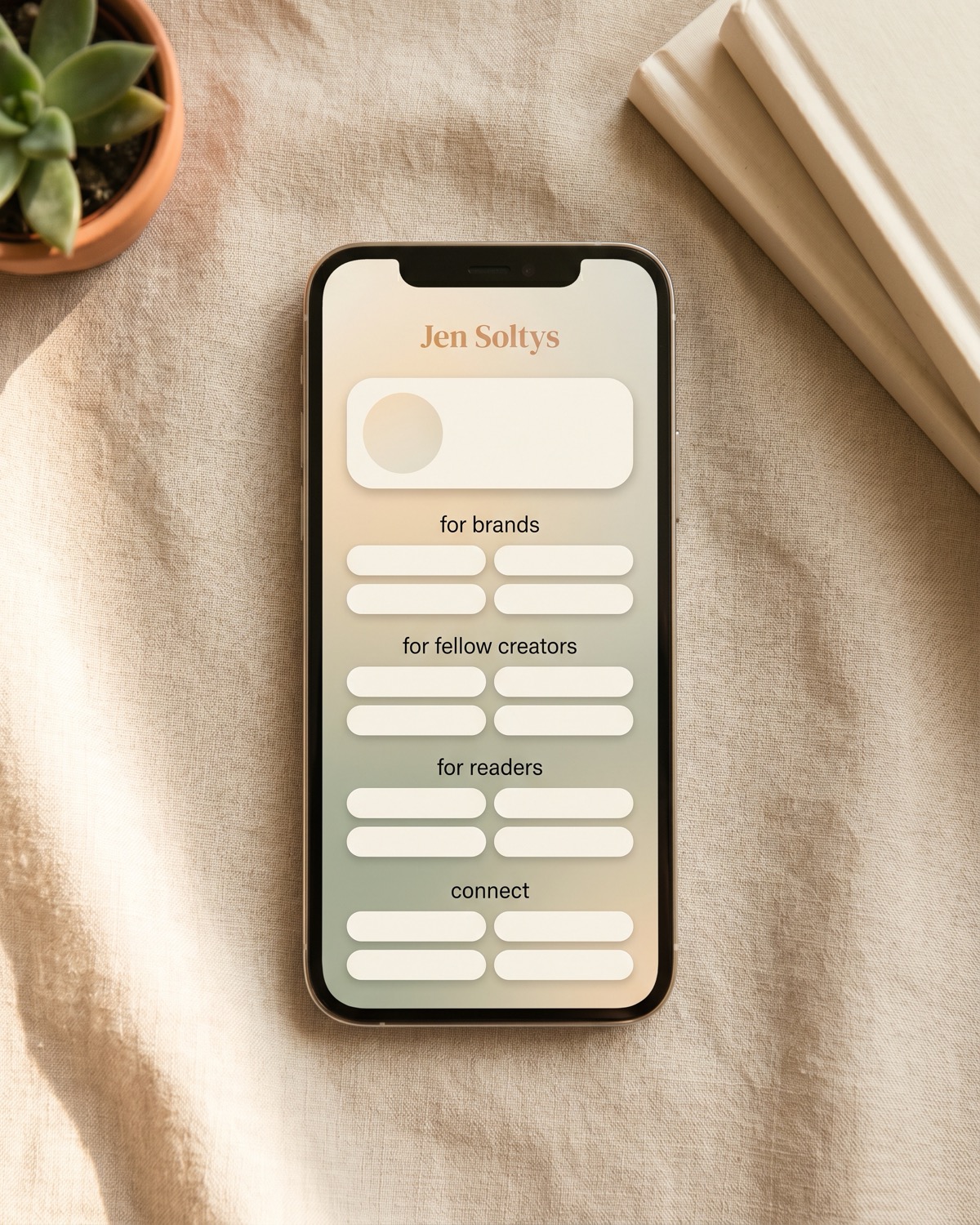
If you want to peek at a real example, here’s what’s in my bio at jenbuiltit.com/bio today:
- A featured card at the top with whatever I shipped this week
- A “for brands” section with my work-with-me page and my main blog
- A “for fellow creators” section with my AIP toolkit, my automation blog, my affiliate program, and my app hub
- A “for readers” section with my latest posts, my Amazon storefront, my free tools, and my live deals
- A “connect” section with email and my socials
- A footer with the FTC disclosure built in
I update the featured card whenever I have something new worth pointing at. The other sections move less often.
What the tool does
Build a Bio is a free tool that puts your link in bio on a page you own instead of a rented profile. Here’s what it does:
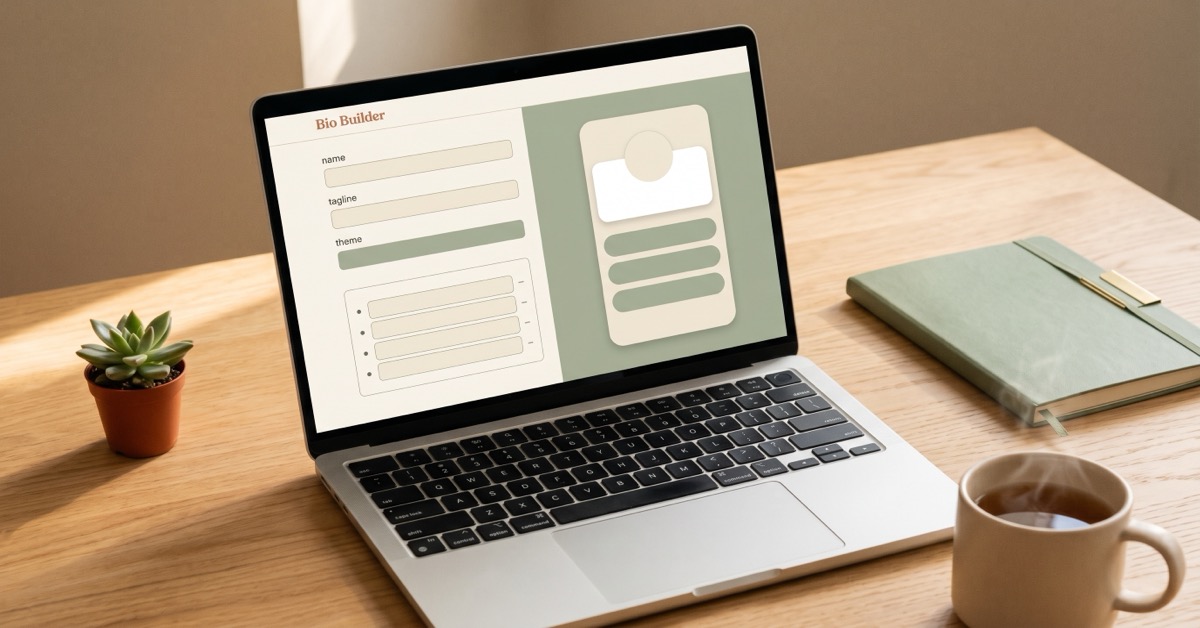
- A simple form, no account needed up front. You email yourself an edit link when you want to change anything.
- Up to 8 links across 4 sections, plus 4 social accounts in the free tier.
- A few starter themes (Warm Builder, Midnight, Sunset, Minimal) with accent colors you can set.
- An optional Amazon storefront card with the Associates disclosure built in.
- An embed code so the bio lives on your own blog. If you have ever pasted a YouTube video into a WordPress block, you can do this.
- Real outbound links. The href on every link goes straight to where you sent it.
The free tier caps at 8 links and 4 socials, so if you need a sprawling directory this isn’t that. It’s built to stay simple on purpose.
Today’s small step
Open the social app you use most. Tap your own bio link the way a stranger would. Notice where you land.
If it points home to your work, you’re already doing the steady thing. If it doesn’t, this is the small fix.
If you want to try the version I built, it’s at buildabio.com. Free to start, no card needed. There’s a Pro tier if you outgrow the free one, but the free tier does the main thing. I built it for my own bio first.
For more small tools for planting on purpose, Seeds to Plant helps you sort what’s worth planting next.
Related on the blog:
FAQ
Who is this for?
Anyone with a link in bio who would rather own the page their followers end up on. Creators, sellers, side hustlers, bloggers, AIP folks, anyone who wants the bio to live on their own site.
What should I put in my link in bio?
The thing you most want a returning visitor to see this week, your most important “I exist here” link, one way to contact you, and a small slot for whatever you ship next. If you have more than one audience, group the links so the right person finds the right thing fast.
How often should I update it?
About once a week if you post regularly. The featured card especially. A bio link pointing at a six-month-old post tells people you haven’t published since, even if you have.
Do I need a blog to use it?
No. The hosted bio page works on its own. The blog embed is a nice extra when you’re ready, not a requirement.
What does the free tier include?
8 links, 4 sections, 4 socials, the themes with accent colors, the embed code, and an Amazon storefront card if you want one. There’s a Pro tier now at $9 a month or $69 a year that adds 50 links, 12 sections, a featured hero card, full color and custom CSS, a vanity link, and click analytics. The free tier still handles the main thing.
How long does it take to set up?
About a minute to build. Another minute to paste the embed code into your blog if you want it there.
What if I want to change my bio later?
You email yourself an edit link any time. No password to remember.
Let me know if you try it! And definitely let me know if you have suggestions to make it better.
A tool I built
Build a Bio
Build a branded link in bio page in about a minute, then embed it on your own blog so your clicks land on your site, not someone else’s.
Build your bio →I run an affiliate program on the tools I build. Approved affiliates earn 20% on what their referrals pay, for up to a year. US only for now. See the program →